Things to Check Before Installing a New Application
Every app you install has access to your device and potentially your data. A few quick checks before installing can protect your privacy, storage, and security.
Productivity
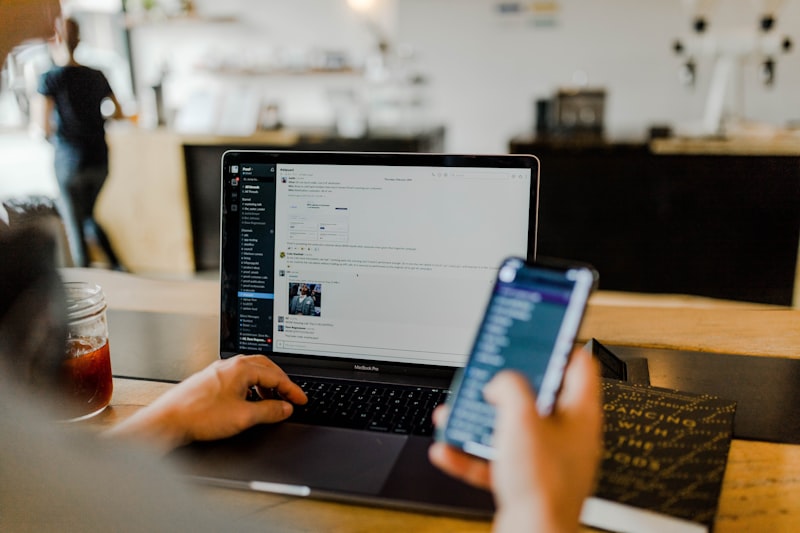
Installing an app takes seconds. Dealing with the consequences of a poorly chosen one — privacy exposure, performance issues, or unwanted charges — can take much longer. A brief evaluation before tapping “Install” is one of the most practical digital habits you can develop.
Check the Developer
An app is only as trustworthy as the people behind it. Before installing, take thirty seconds to check the developer name:
- Does the developer have other apps? Do they have a consistent track record?
- Does a web search for the developer reveal anything concerning?
- Is the app from a recognizable company, or does the developer appear to have no other presence?
Unfamiliar developers aren’t automatically a problem, but they warrant more scrutiny on the other checks.
Read the Permissions Carefully
On both Android and iOS, apps request access to your device’s capabilities — camera, microphone, contacts, location, storage, and so on. These permissions are often accepted without reading.
Before accepting permissions, ask whether each one makes sense for the app’s function:
- A flashlight app that requests access to your contacts has no legitimate reason to need that
- A navigation app requesting location makes obvious sense
- A note-taking app requesting microphone access might be reasonable (voice notes) or suspicious
On Android, you can review and modify permissions after installation in Settings. On iOS, permission prompts appear when features are first used, and you can review them in Privacy & Security settings.
Check the Review Count and Recency
A high rating with only a few reviews is less meaningful than a moderate rating with thousands of reviews over multiple years.
Look at:
- Total number of reviews
- Date of the most recent reviews
- Whether negative reviews describe the same pattern of problems
- Whether responses from the developer to reviews seem genuine
Extremely recent apps with high review counts and generic, enthusiastic reviews warrant skepticism.
Read the Privacy Policy
You don’t need to read it in full. Search for key terms like “sell”, “share”, “third party”, and “advertising”. Understanding whether an app’s business model involves monetizing your data informs how much access you want to give it.
Check the In-App Purchase Model
Free apps with in-app purchases vary widely. Some offer genuinely optional extras. Others require purchases to access basic functionality — a pattern sometimes called “paywalled after download.”
A brief look at the in-app purchase listings before installing reveals what the business model actually is.
Verify the App Size and Impact
Large apps can consume significant storage and battery life. Check the app size before installing if storage is limited on your device.
After installing any new app, monitor battery usage over the next few days — it’s easy to miss background drain from apps you use infrequently.
When in Doubt, Wait
If something feels off about an app — the permissions seem excessive, the reviews seem suspicious, or the developer is hard to find information about — wait. Search for alternatives or check if a web app serves the same purpose without requiring installation.
The default position for unfamiliar apps should be mild skepticism, not automatic trust.
Official App
ZaxPlayer
Discover a smoother and smarter media experience.
Available on Android
