A Beginner's Guide to Managing Online Accounts Safely
Most people have dozens of online accounts, many of them forgotten. Managing them deliberately — rather than letting them accumulate — is a practical security and privacy habit.
Internet & Security
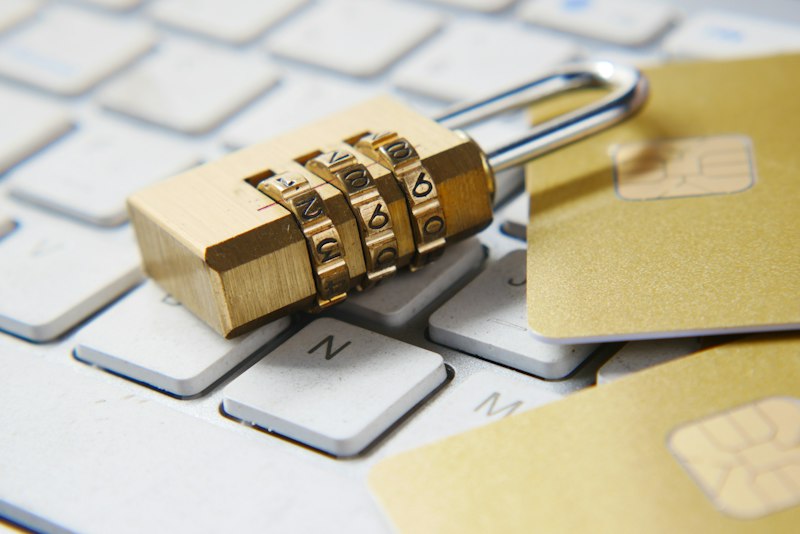
The average person has significantly more online accounts than they realize. Services signed up for and forgotten, accounts created for one-time purposes, old email addresses still connected to various platforms. Each one represents a potential exposure point — a password that could be breached, a profile that could be found, a recovery path someone could exploit.
Managing online accounts deliberately is less about strict security protocol and more about basic digital hygiene: periodic reviews, removing what you don’t need, and securing what you keep.
Take Stock of What You Have
Before managing accounts, you need to know what exists. A few approaches:
Search your email inbox for messages with subjects like “welcome to”, “confirm your email”, “account created”, or “you’ve registered”. This surfaces accounts you may have forgotten.
Check your password manager if you use one — it contains a record of accounts you’ve created through it.
Review saved passwords in your browser — most browsers have a password section in settings that lists accounts.
This audit typically reveals accounts people have entirely forgotten about.
Delete Accounts You No Longer Use
Unused accounts sitting dormant are a low-value risk. They contain personal information, and if the service is breached, that information is exposed.
For accounts you no longer use:
- Log in and look for a “delete account” or “close account” option in settings
- If none exists, contact the service’s support requesting account deletion
- Document that you’ve requested deletion in case you need to follow up
Some services make deletion unnecessarily difficult. Persistence matters — most are legally required to fulfill deletion requests in many jurisdictions.
Consolidate Where Reasonable
Having multiple accounts with the same service (multiple old email addresses, duplicate social accounts) creates unnecessary complexity. Consolidate where possible.
Use Unique Passwords for Everything That Remains
Each account you keep should have a unique password. If any one service is breached, only that account is exposed — not everything sharing that password.
A password manager makes this practical. Generate a strong unique password for each account and let the manager remember it.
Audit “Sign in with Google/Apple” Connections
Many accounts were created using “Sign in with Google” or “Sign in with Apple” rather than a direct email and password. Review what third-party apps have access to your Google or Apple account:
- Google: myaccount.google.com → Security → Third-party apps with account access
- Apple: appleid.apple.com → Sign in with Apple
Revoke access for any apps you no longer use or don’t recognize.
Keep Recovery Information Current
For important accounts, verify that recovery email addresses and phone numbers are current. Outdated recovery information means that if you lose access to an account, recovery becomes much harder.
A Quarterly Habit
Account hygiene doesn’t require constant attention — a quarterly 30-minute review is enough for most people:
- Delete newly unused accounts
- Update any passwords that seem weak or reused
- Check that 2FA is enabled on important accounts
- Verify recovery information is current
The goal is a smaller, more deliberately maintained set of accounts, each with appropriate security settings — rather than an ever-growing accumulation of forgotten registrations.
Official App
ZaxPlayer
Discover a smoother and smarter media experience.
Available on Android
About the Author
Internet & Security · Privacy · Cybersecurity
Cybersecurity enthusiast and digital privacy advocate. James writes practical guides to help everyday users protect themselves online without needing a technical background.