Building a Focused Digital Workspace
Your digital environment shapes your thinking as much as your physical one. Setting it up deliberately reduces friction for the work you want to do and resistance to distraction.
Productivity
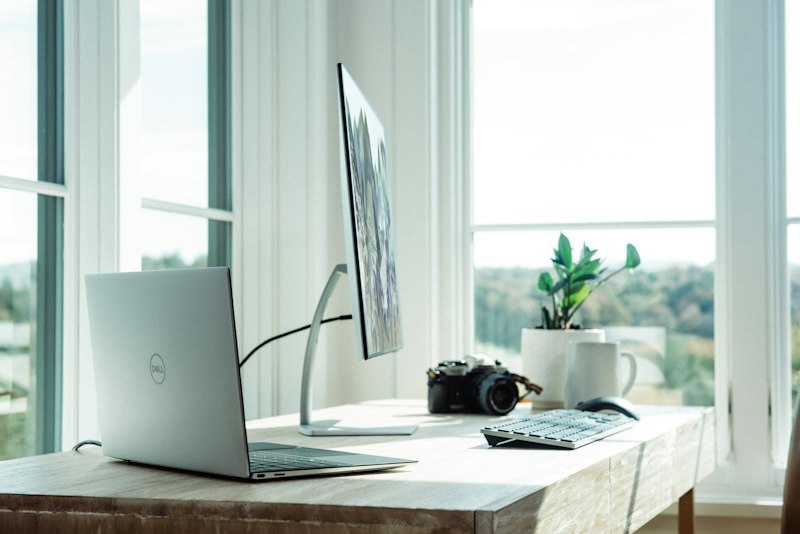
Most productivity advice focuses on time management — schedules, time blocks, task prioritization. Fewer people think carefully about the environment in which they do their work, digital and physical. Yet the environment is what determines how easy or hard it is to stay focused in the first place.
The Environment Before the Task
Willpower is a limited resource. An environment designed to resist distraction means you don’t have to spend willpower overcoming it for every hour of every working day.
The goal of a focused digital workspace is to make the work you intend to do the path of least resistance, and everything else slightly harder to access.
Browser Configuration
Your browser is where most knowledge work happens. Default configurations are optimized for engagement, not focus.
Remove non-essential bookmarks from the toolbar: Every shortcut to a distracting site is an invitation to visit it during a moment of low resistance.
Set a neutral new tab page: Default new tab pages in most browsers show news, trending content, or suggested sites — all of which interrupt the intention you had when opening a new tab.
Organize tabs deliberately: Keep only tabs relevant to current work open. Close anything you’ve finished with. Browser tab hoarders often find they open tabs as a form of “mental parking” — the tab represents an intention they don’t want to lose. A task list or note is a better parking spot.
Consider a separate browser profile for work: Keeping work and personal browsing in separate profiles creates a psychological and practical boundary.
Notification Management
Notifications are interruptions by design. Their business purpose is to bring you back to an application — not to help you do your best work.
A practical approach: determine which notifications genuinely require immediate response and disable the rest.
Most people find that after disabling non-urgent notifications, nothing important is missed. The urgency of real-time communication is often habitual rather than actual.
On desktop:
- Disable all non-critical system notifications during focus periods
- Use “Do Not Disturb” or “Focus” modes consistently for deep work sessions
On mobile:
- Review notification permissions per app and disable anything that doesn’t require your immediate attention
Your Desktop and Shortcuts
A cluttered desktop with many visible files and shortcuts creates ambient visual noise. It also means the path to distraction is as short as the path to work.
Keep your desktop clear, or use it only for temporary files that will be moved within 24 hours.
Organize your most-used tools where you can launch them quickly. The goal is not aesthetic minimalism but reduced friction to starting the work you mean to start.
Application Choice
Tools that work well for the tasks they’re designed for reduce cognitive overhead. Using an application that fights you — poor search, confusing navigation, slow performance — creates low-level friction that compounds across a working day.
It’s worth spending time finding tools that fit your natural working style rather than forcing yourself to adapt to ones that don’t.
The Physical Dimension
The digital workspace doesn’t exist in isolation. The physical environment you work in affects digital focus too.
A consistent workspace — even a corner of a room rather than a dedicated office — builds an association between the space and focused work. Over time, entering the space makes it easier to transition into a focused state.
Eliminating physical distractions (phone face-down, notifications off, a clear surface) reinforces the digital boundaries you’ve set.
Building Gradually
Changing your entire digital setup at once can be disruptive. A more durable approach is addressing one area each week — notifications one week, browser configuration the next — building habits incrementally rather than creating a new system that hasn’t been tested under real working conditions.
The most valuable digital workspace is one that disappears — that runs in the background supporting your work without drawing attention to itself.
Official App
ZaxPlayer
Discover a smoother and smarter media experience.
Available on Android
